Best Second Brain App for Journaling: A One-Week Test
How do you find the best second brain app for journaling?
The best second brain app for journaling is the one you still open on day seven, where your own words and the things you save end up connected. Feature lists won’t tell you which app that is. A short, honest trial with your real notes will.
So this article is a one-week test, not a ranking. Run it on any app you are considering, including more than one side by side. Each day checks one thing that matters once the novelty wears off.
Before you start, gather three things you already have:
- A few old journal entries, in any format.
- Five links you saved and never read: articles, videos, posts.
- One question about your own life you’d like answered, such as “what keeps getting in the way of my side project?”
Day 1: Does writing feel easy, or like setting up a system?
Open the app and write for five minutes about your day. Don’t create folders, tags or templates first. Just write.
Then notice what happened. Did you start typing within a few seconds? Or did you first have to decide where the note goes, what to call it and how to file it?
A journal only works if writing comes first. If an app asks you to build a structure before you can say anything, that cost comes back every day. Score it honestly: could you write tonight when you’re tired?
Day 2: Can it take in your old notes?
Most people don’t start from zero. Try importing the old entries you gathered.
Check two things:
- Do dates survive? An entry from three years ago should land on its original day, not today.
- Is the text intact? Formatting can shift a little, but your words should all be there.
If old notes can’t come in cleanly, your new second brain starts without your history, and the connections that make it useful will take much longer to show up.
Day 3: What happens to something you save?
Paste in two of your five saved links. This is where many setups break down. Saving is easy, so the pile grows, and nothing in it ever gets read.
A good second brain should turn a link into something you can scan: a short summary and the key points, ideally written in a way you can edit. Ask yourself:
- Do I get notes, or just another stored link?
- Can I check and trim what gets saved, so my notes hold only what I chose?
- Does it work for videos too, or only articles?
That last point matters if your saved pile is mostly talks, interviews and long explainers. Thrennel, for example, takes a public YouTube link or a single X post with a video, listens to what’s said, and writes notes from the speech, usually within a minute. It listens rather than watches, so a video with no talking won’t give much. It handles public videos up to two hours. You review the notes and can edit, delete or add before anything is saved.
Day 4: Are your thoughts and your saved material kept straight?
By now you have a few journal entries and a few saved pieces. Look at them together.
Can you tell your own thinking apart from what you read? This sounds minor until you have a few hundred notes. If other people’s ideas and your own reflections sit in one undifferentiated stream, your journal slowly gets buried.
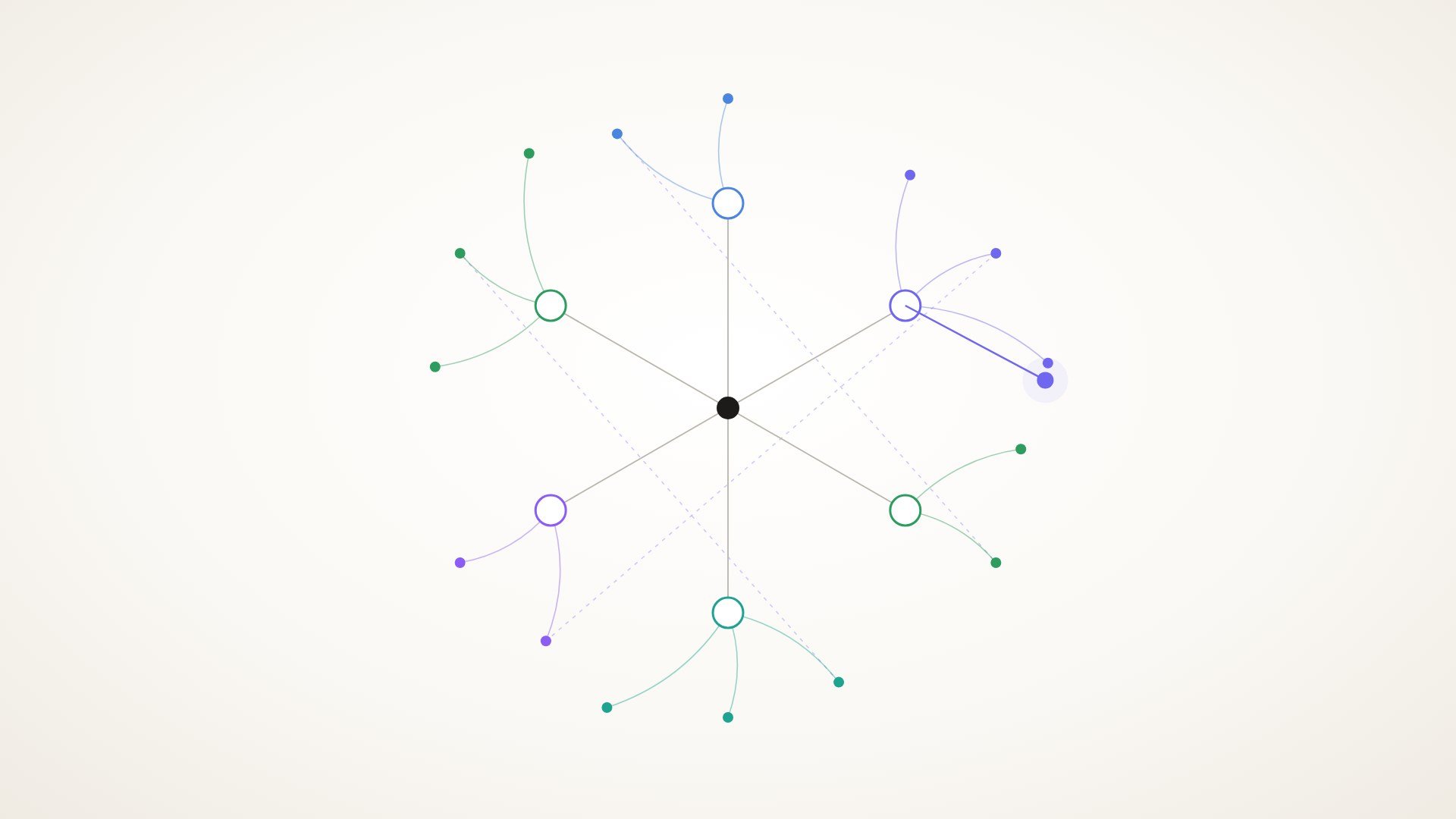
Look for an app that keeps the two apart but still lets them meet. You should be able to filter to just your journal, just your saved knowledge, or both. Thrennel does this on purpose: thoughts and saved items are separate kinds of notes, and in its web view thoughts appear as dots and saved items as diamonds.
Day 5: Does it bring old things back without being asked?
This is the real test of a second brain. Write a new entry about something you’ve touched before: a worry, a project, a book.
While you write, or right after, does anything you saved or wrote earlier come back to you? Or do you have to remember it exists and go looking?
Then try search the way you’d actually use it months from now. Search for a word you didn’t use. If you wrote about “deep work,” search “focus.” Retrieval that depends on remembering the exact phrase you used fails exactly when you need it most.
Day 6: Can you ask your journal a question?
Take the question you prepared and try to answer it with the app.
Some tools let you put a question to your whole journal and get an answer back. If yours does, check one thing above all: does the answer point to the notes it came from? A summary you can’t trace back to the source is hard to trust and hard to dig into when a point needs more context.
If the app has no way to ask questions, try answering yours by searching and reading. How long did it take? That time is what you’ll spend every time you want to learn something from your own past.
Day 7: Can you leave with everything?
On the last day, export it all. Do this even if you love the app.
Open the export and look:
- Is it in a plain format like Markdown or JSON?
- Are saved sources included, not just journal entries?
- Do the links between notes survive?
A journal can hold years of your life. You should be able to take it anywhere, any time, without asking permission. Export is the simplest proof that you own your notes.
What should the scorecard look like?
At the end of the week, give each app a simple yes or no on these:
| Question | Yes / No |
|---|---|
| I wrote on most days without friction | |
| Old entries came in with their dates | |
| Saved links became notes I could scan | |
| My thoughts and saved material stayed distinct | |
| Old notes came back without me hunting | |
| Search found meaning, not just exact words | |
| Answers pointed to their sources | |
| Export was complete and readable |
Then ask the question no table captures: do I want to open it tomorrow? An app that scores well but feels like a chore will lose to a plainer one you enjoy. Calm matters. A journal should feel closer to paper than to a control panel.
A small routine to try tonight
Whatever app you end up with, this ten-minute habit makes it work:
- Write three sentences about your day.
- Paste one saved link and keep only the two points worth remembering.
- Write one line on how that link relates to your day, if it does.
That’s it. Done most nights, this builds a journal and a library that actually meet, which is the whole point of a second brain.
Where does Thrennel fit?
Thrennel is a private journal that doubles as a second brain, built by one person and currently in an invite-only beta. It’s free during the beta. It’s built for people whose notes, bookmarks and journal live in separate piles. If you run this week-long test, it’s a good candidate to include. You can request an invite and see how it does on your own scorecard.
Questions people ask
Do I need a complicated system for a second brain? No. The most useful setups are often the simplest: one place to write, one place for what you save, and a way for them to connect. If a system needs constant upkeep, it tends to get abandoned.
Should my journal and my saved articles live in the same app? Having them in one place helps, because that’s how a new thought can bring back something you read months ago. It also helps when the two stay distinct, so your own writing doesn’t get lost among other people’s ideas.
Is one week really enough to choose? It’s enough to spot the dealbreakers: friction when writing, poor import, weak search, no clean export. The deeper benefits grow over months, but you’ll know by day seven whether you want to keep going.
How private should a journaling app be? Read each app’s privacy page closely and look for plain wording about who can read your entries. In Thrennel’s case, your journal is encrypted on the server with a key only your password or recovery code can unlock. While you are signed in, the server unlocks entries to show them and run search and AI, so it is not end-to-end encryption.