A Journal Alternative With a Second Brain Built In
What should a journal alternative with a second brain actually do?
If you want a journal alternative with a second brain, look for one thing first: your own entries and the things you save should end up in the same place and connect to each other. A good daily journal holds what you thought. A second brain also holds what you read, heard and saved, and it shows you where the two meet.
Most people already have both halves. They are just in different apps. The journal has your days. Bookmarks, saved videos and notes sit somewhere else. The second half rarely gets opened again, and it never meets the first.
So the real question is not “which app has more features.” It is “will the things I save ever touch the things I write?”
Why do saved things never get re-read?
Saving feels like progress. You find a talk or an article, you keep it, and the job feels done. Then the pile grows. One person on X put it plainly: “Saved talks really are where good content goes to die.”
There are a few reasons this happens:
- A saved link is still unread work. It asks you to come back later and do the reading or listening.
- Nothing connects it to why you saved it. A month later, you see a title and can’t remember what it was for.
- It lives away from your thinking. Your journal is where you think. The pile is somewhere you never visit.
A second brain journal fixes this by turning saved things into short notes right away, and by putting them next to your own writing.
How does Thrennel keep journaling and saved knowledge together?
Thrennel is a private journal that doubles as a second brain. It keeps two kinds of notes, on purpose:
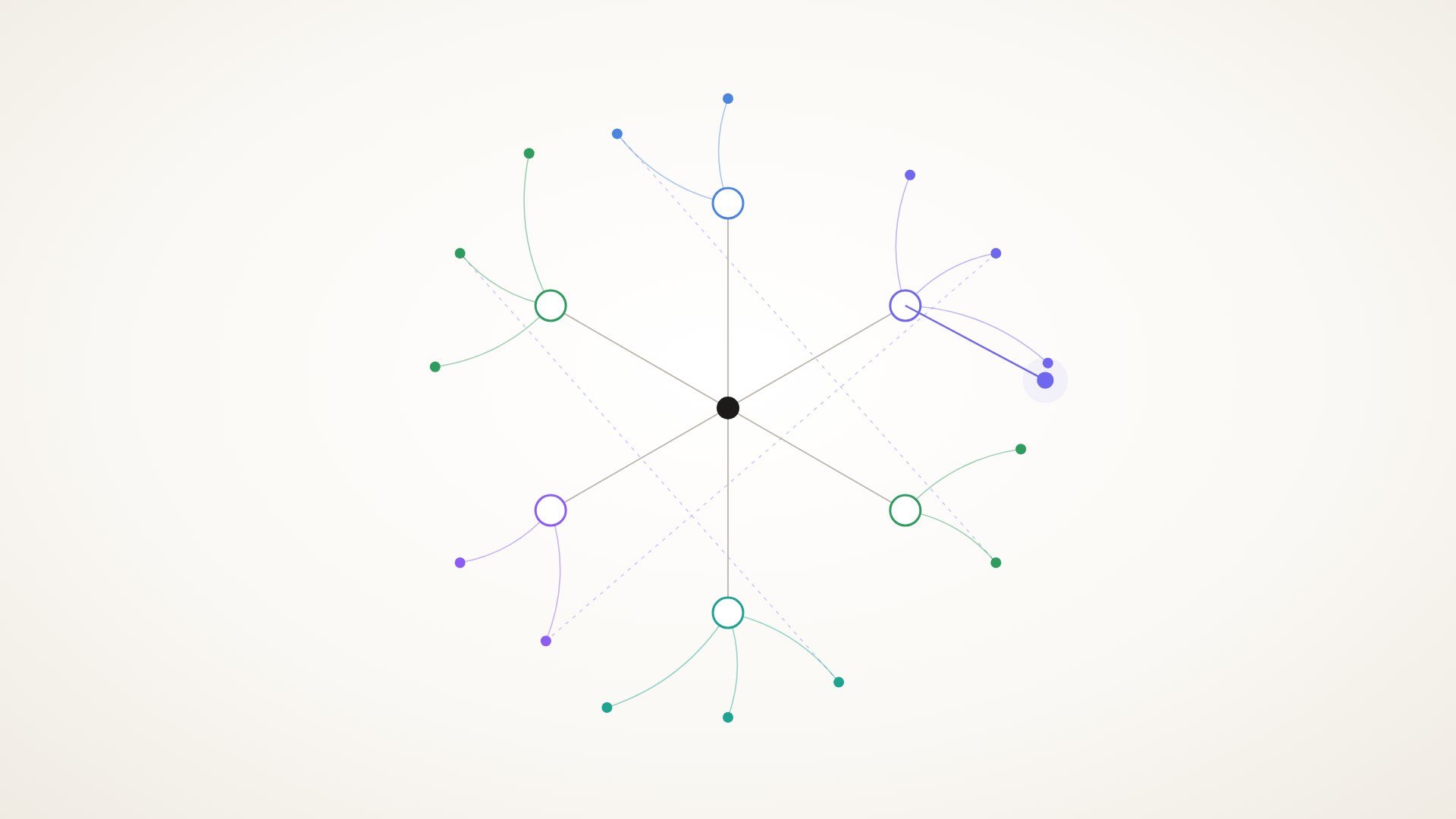
- Your journal: what you think. In the web of notes, these show as dots.
- Your knowledge: what you saved from elsewhere. These show as diamonds.
They stay apart so your own thinking never gets buried under other people’s. You can filter to either one or see both at once. Topics file themselves: one is suggested automatically, and you can change a note’s topic any time.
The useful moment is when they meet. While you type a thought, Thrennel shows things you saved earlier that relate to it. You write about a side project, and a note from a talk you saved weeks ago comes back up next to it.
Can I save a YouTube or X video as notes instead of a bookmark?
Yes, and this is where a lot of saving goes wrong, so it is worth slowing down on.
In Thrennel, you paste a YouTube link, or a link to a single X post with a video. It listens to what is said and writes notes from it: a summary and key points. It usually takes within a minute.
Before anything is saved, you review the notes. You can edit them, delete lines, or add your own. Your web only holds what you chose to keep.
A few honest limits, so you know what to expect:
- It listens rather than watches. It uses the speech (and, for X, the post text), not the picture. A video with no talking won’t give much.
- Public videos only. Private, sign-in-only and live-stream videos can’t be fetched.
- Videos up to 2 hours.
- YouTube and X only.
- X links must be a single post. A video is listened to. An X Article or a plain post is read as text. A post that only links somewhere else won’t give much.
The same paste works for articles too. You get notes instead of one more open tab.
What else matters when picking a second brain journal?
Here is a short list worth checking in any app you consider, with how Thrennel handles each.
| What to check | Why it matters | In Thrennel |
|---|---|---|
| Writing comes first | A journal should feel like paper | Today opens with a greeting and one writing box |
| Capture from outside | Saved things need to become notes | Paste articles, YouTube and X links; photograph a page or whiteboard |
| Connections | The point of a second brain | Related notes appear as you type; one web of notes |
| Asking your notes | Finding what you once thought | Ask a question and get an answer pointing to the source notes |
| Review | Seeing patterns over time | Day, week and month summaries |
| Leaving | You should own your writing | Export as Markdown, JSON, or linked Markdown files you can open in other note apps |
| Bringing old entries | Starting over loses years | Import Markdown or text files; dated entries land on their original days |
Search finds meaning as well as words. Look up “focus,” and a note about deep work turns up too.
How private is it?
Your journal is encrypted on the server with a key only your password or recovery code can unlock. Stored files and backups can’t be read without one of them, not even by the founder. While you are signed in, the server unlocks entries to show them and to run search and AI, so it is not end-to-end encryption.
There are no ads, no analytics and no tracking. AI features run first on the founder’s own computers with open-source models. Only when those are offline does the text go to the Claude API, and for importing a video only, to Google’s Gemini API.
A small routine to try this week
You can do this with any tools you have today.
- Pick three things you saved and never opened. A video, an article, a post.
- For each one, write three lines: what it says, one point you want to keep, and why you saved it.
- Put those lines next to your journal, not in a separate folder.
- At the end of the week, read your journal and those notes together. Circle any place where a saved idea touches something you wrote.
That last step is the second brain part. It’s not about the tags or the dashboards. It’s about letting what you saved meet what you think.
If it feels useful, the habit gets easier when capture takes seconds and the connections show up on their own.
Is it hard to switch from my current journal?
It doesn’t have to be. Thrennel imports Markdown and text files, and dated entries land on their original days, so your history keeps its shape. And because you can export everything any time, you’re never locked in.
Streaks are quiet too. A streak doesn’t break just because it’s morning and you haven’t written yet. Earned badges are never taken away, and you can switch streaks off.
Questions people ask
Does the matching between notes happen automatically? Yes. While you write, Thrennel shows saved notes related to what you’re typing, and topics are suggested for each note. You can change any topic yourself.
Is Thrennel free? It’s free during the beta. It’s invite-only for now, built by one person.
Will it work on my phone? Yes. It works as an installable web app on a phone, with voice dictation for when typing is slow.
What happens to a video with no speech? Not much. Thrennel listens to what is said rather than looking at the picture, so a music-only or silent video won’t produce useful notes.
If your journal and your saved things have lived in separate piles for too long, Thrennel is built to bring them together. It’s in an invite-only beta right now, and you can request an invite to try it.